Graphic Design II & III
  • Current Assignments
  • Course Expectations
  • Curriculum
    • Curriculum Map
  • Resources
  • Burlington High School Art & Design Program

Current Assignments

Theatrical Poster and Playbill Cover

4/4/2022

0 Comments

 
Project: 
Create the promotional graphics for a theater production: CHICAGO - Teen Edition

Objectives:
  • Improve your skills with basic Illustrator tools, particularly drawing with the pen tool
  • Apply an understanding of the Graphic Design principles of contrast, alignment and proximity
  • Communicate an idea through selection of appropriately expressive type.
  • Create a visual personality through the title art and other elements
  • (Work to fulfill a client's wishes, while maintaining your own artistic integrity)

Materials:
Adobe Illustrator

Parameters:
  • Created in: Adobe Illustrator
  • The Music Dept needs a poster/ sign, playbill cover, and t-shirt logo.
  • The playbill is 5.5 inches wide x 8.5 inches high;
and the design needs to bleed off the page.
File name: “musical 2022 yourlastname playbill.eps”
  • The signs are 4 x 8 feet, 2 x 4 feet and 3 x 4 feet.
    • Billboard: 4 x 8’ (48 x 96”): “musical 2022 yourlastname billboard.eps”
    • Sandwich board: 2 x 4’ (24 x 48”): “musical 2022 yourlastname sandwich .eps”
​
  • File format: EPS or high resolution PDF
  • The playbill cover can be full color.
 
  • Work in silhouette or other vector graphics
  • NO photographs, clip art, or "borrowing" from famous images of the movie or musical
  • Shoot your own photographs from student models, and use those as a drawing reference.

You should relay the following information to your viewers:

Text ("Copy"):

(For the playbill:) 
Dimensions: 5.5 inches wide x 8.5 inches high (vertical)

      Burlington High School Presents:

      CHICAGO - Teen Edition
      May 20 -29, 2022
      A Music Department and Drama Club Production

------------

(For the poster and signs) 
Dimensions: 4' x 8' for fence;  2 x 4' for sandwich boards, vertical)


        Burlington High School Presents: (20% font size compared to title at 100%)

        CHICAGO - Teen Edition
        A Music Department and Drama Club Production


        Dates and Start Time (20% as big as the title)
        
May 20, 27, 28 at 7:30 PM
        May 22, 29 at 2:00 PM


        781-A-FUN-TIC  (60% as big as the title)

        www.BurlingtonTheatre.com  (80% as big as the title)


Grading Criteria:
  • Personal Investment (Work Habits, Ambition)
  • Design / Visual Impact
  • Inventiveness / Creativity
  • Expressiveness / Communication
  • Technical Quality / Craftsmanship

Resources:
In preparation for your own theatrical poster designs, here's a link to 50 great movie poster designs.
http://www.smashingmagazine.com/2008/10/12/50-beautiful-movie-posters/

To Start:
  1. Collect images of effective promotional graphics for movies and plays. Ask yourself: what makes them work so well?
  2. Collect information and visual references that relate to the subject(s) of the play.
  3. Thumbnails and rough drafts (especially of figures. What poses will you need?)
  4. Take photos of student models to use as visual reference for your drawings. The silhouettes should be clear, informative and expressive. Exaggerate the poses.

Helpful Resources:
Movie posters may prove inspirational. There are two books of movie posters (of movies from the 1960s and 1970s) in Mr. Ratkevich's Portfolio classroom, Room 215.

Self Critique Questions
Ask yourself these questions for each of your final executions:
  • Is the concept clear?
  • It is visually unique and interesting? Does it have visual impact?
0 Comments

Music Festival Poster

5/6/2021

0 Comments


Click HERE for lesson and project.

0 Comments

Corporate Identity

4/12/2021

0 Comments


Click here for the lesson/project description.
0 Comments

Logo

3/25/2021

0 Comments

 
Picture
Picture
​Due Date:
Four days

Project:
Using Adobe Illustrator, create a logo that incorporates lettering and representational elements

About Logos:
  • The word "logo" is derived from Greek ("language").
  • A modern pictogram
  • Identifies and represents an organization, business, product, or special event such as a conference.
  • A symbol; an identifier.
  • An embodiment of an organization that fosters instant visual identification and recognition.
  • Large amount of information compressed into a single visual statement
  • "Can't help but see it."
  • Can evoke a strong emotional response.

A logo takes a great deal of thought to make.


Objectives:
  • Communicate ideas about a company
  • Be inventive
  • Use letters as shapes
  • Make connections between letters and pictures
  • Create finely detailed work
  • Create order, cohesion and visual impact

Materials:
  • Pencil and paper
  • Adobe Illustrator

Grading Criteria:
  • Design (Visual Impact)
  • Technical Quality
  • Personal Investment

To Start:
View and discuss professional logos.

Process
​
1. Answer these questions to help define the logo's message and spark ideas.:
  • What's the name of the company?
  • What image does the company want to project? What do they want to say about themselves?
  • Who is the audience?
  • Where and how will the logo be used? (Large or small formats, or both?; On trucks? On signage? Letterheads, business cards, other printed materials.

2. Brainstorm ideas to symbolize the message you want to convey.

3. Collect photographs that can serve as inspiration and reference for your idea. In Photoshop, combine these photos in a document to create a visual reference board for your sketches. Print it.

4. Using these references, sketch many drawings so that you better understand the visual nature of the subject(s).

5. Try various ways to combine the subjects/ideas.

6. Further develop (streamline, stylize, and refine) one or more of the sketches so that it is a self-contained image that clearly conveys information about the business in a highly impactful and easily identifiable way.
0 Comments

Senior Class Logo

3/15/2021

7 Comments

 
Using Adobe Illustrator, create a vector-based typographic logo that includes all of the following:
  • “BHS” and/or “Burlington High School”
  • “Class of 2021” and/or “Class of Two Thousand Twenty One”
  • a completely original icon that symbolizes the spirit of BHS and/or the senior class (optional)

You will create three variations of the same design:
  1. Full color in horizontal rectangle format – For graduation banner
  2. Red, black and white (No gradients) – For T-shirt
  3. Red on white, in square format (No gradients) -- For mug

NOTE: The t-shirt that this will be printed on will likely be black.

Format:
  • CMYK color mode
  • Final version saved as “BHSlogo2020yourname.eps” as an EPS file.
  • All type must be Converted to Outline

Turn in the 3 variations of your design in EPS (in CMYK color mode; all type converted to outline), TIF (full size, flattened, in RGB color mode), and JPG (72 ppi, 12" h, RGB color mode) file formats.

Tip: Save a version of the EPS for yourself with the type still intact, as type (i.e. not converted to outline), for easy edits if needed.

7 Comments

Photo Restoration

2/22/2021

0 Comments


Click this link for the project description.

0 Comments

Morph

2/2/2021

0 Comments


Click this link for the project description.

0 Comments

Program of Studies Cover

1/4/2021

0 Comments

 
Due Date:
Four days

Project:
Using Adobe Illustrator, design a book cover for the Burlington High Program of Studies.
  • Use type and shape to create visual impact and express an overall sense of academics and pride.
  • It may include the school seal, and incorporate a list of all courses.
  • Use simple shapes as design elements.
        
Objectives:
  • Gain skill with the Type tools of Adobe Illustrator
  • Apply your understanding of the principles of good graphic design:
    • Contrast
    • Balance
    • Repetition
    • Alignment
    • Proximity
  • Communicate an idea through selection of appropriately expressive type.
  • Arrange elements to maximize visual impact

Materials:
Adobe Illustrator

Requirements for Format:
  • File Format: Illustrator EPS 
  • Size: Letter (8.5 x 11")
  • Orientation: Vertical (portrait)
  • Color Mode: RGB
  • Bleed to edge (no white border)
  • May be created in any combination of red, black, and/or white
  • NO CLIP ART may be used
  • No copyrighted imagery may be used
  • Convert all text to outline
  • Save as: "programofstudies yourlastname.eps", in EPS format
 
  • Must include "Burlington High School"
  • Must include "Program of Studies"
  • Must include "2021-2022"
  • May include a list of all courses
  • May include the school seal (EPS) (The school seal and a full list of courses will be shared with you via Google Drive.)
  • Create TIF and JPG versions as well

Grading Criteria:
  • CONCEPT
    • Looks academic
    • Inventiveness
  • DESIGN
    • Well-Chosen Typeface(s)
    • Image has Visual Impact
    • Shows consideration of contrast, repetition, alignment, proximity, balance, positive and negative space
  • CRAFTSMANSHIP
    • Skillful use of tools of Illustrator
  • WORK HABITS / PERSONAL INVESTMENT

Tips to Get Started:
Consider what would be both appropriate and special for a publication of an academic nature.

Ask yourself how you can make students excited to get their hands on one of these publications? How can you use simple shape and text to energize the design?

Helpful Resources:
There are a number of Graphic Design books and magazines in Room 215. Use them for inspiration and tutorials.

0 Comments

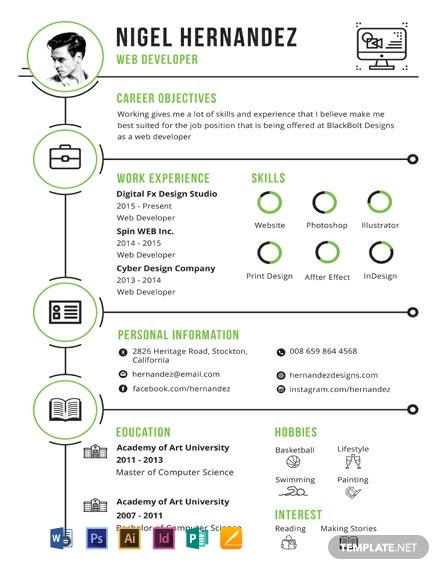
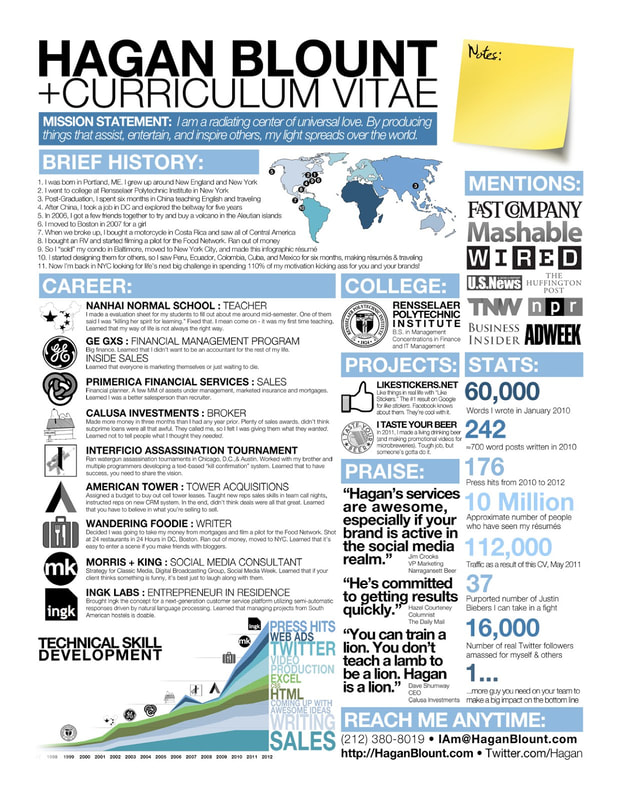
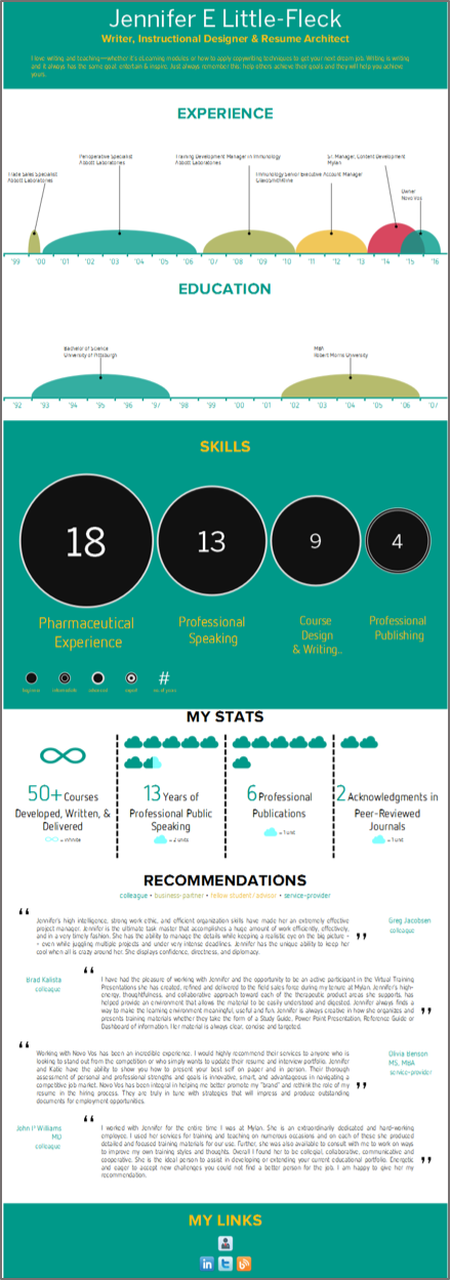
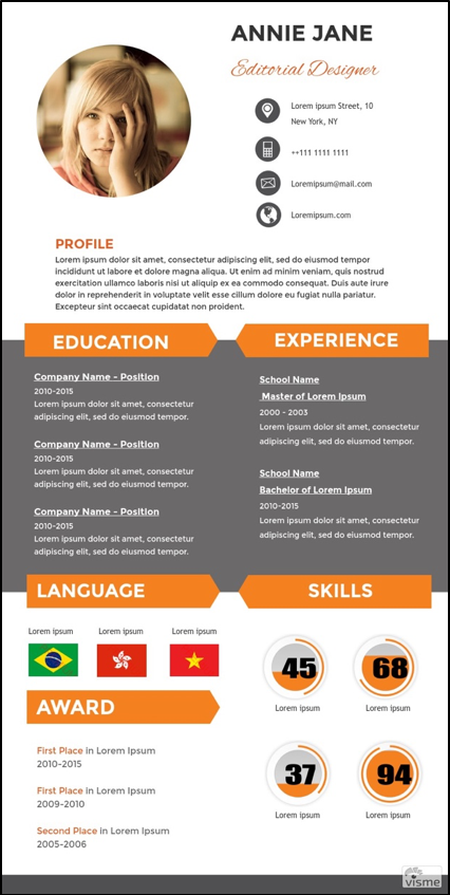
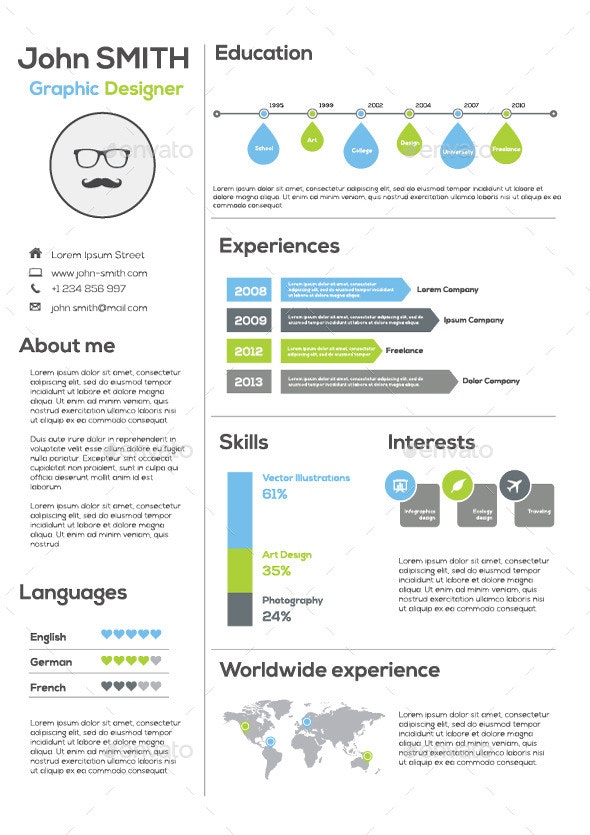
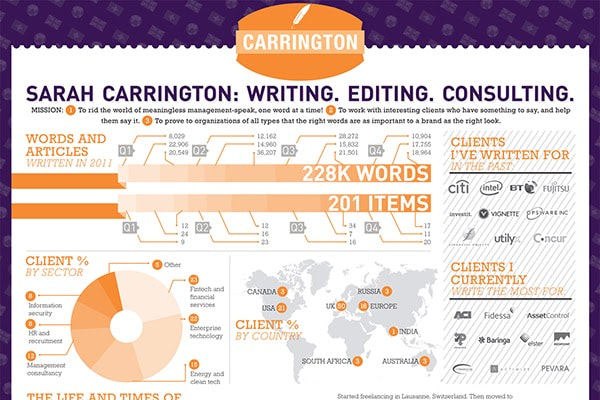
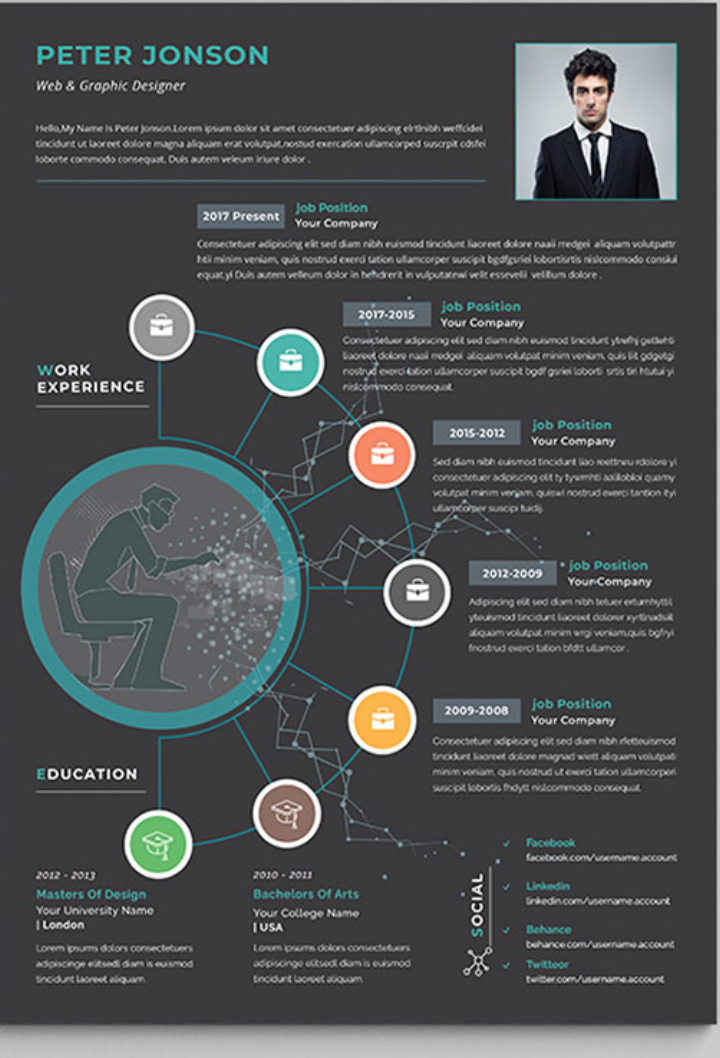
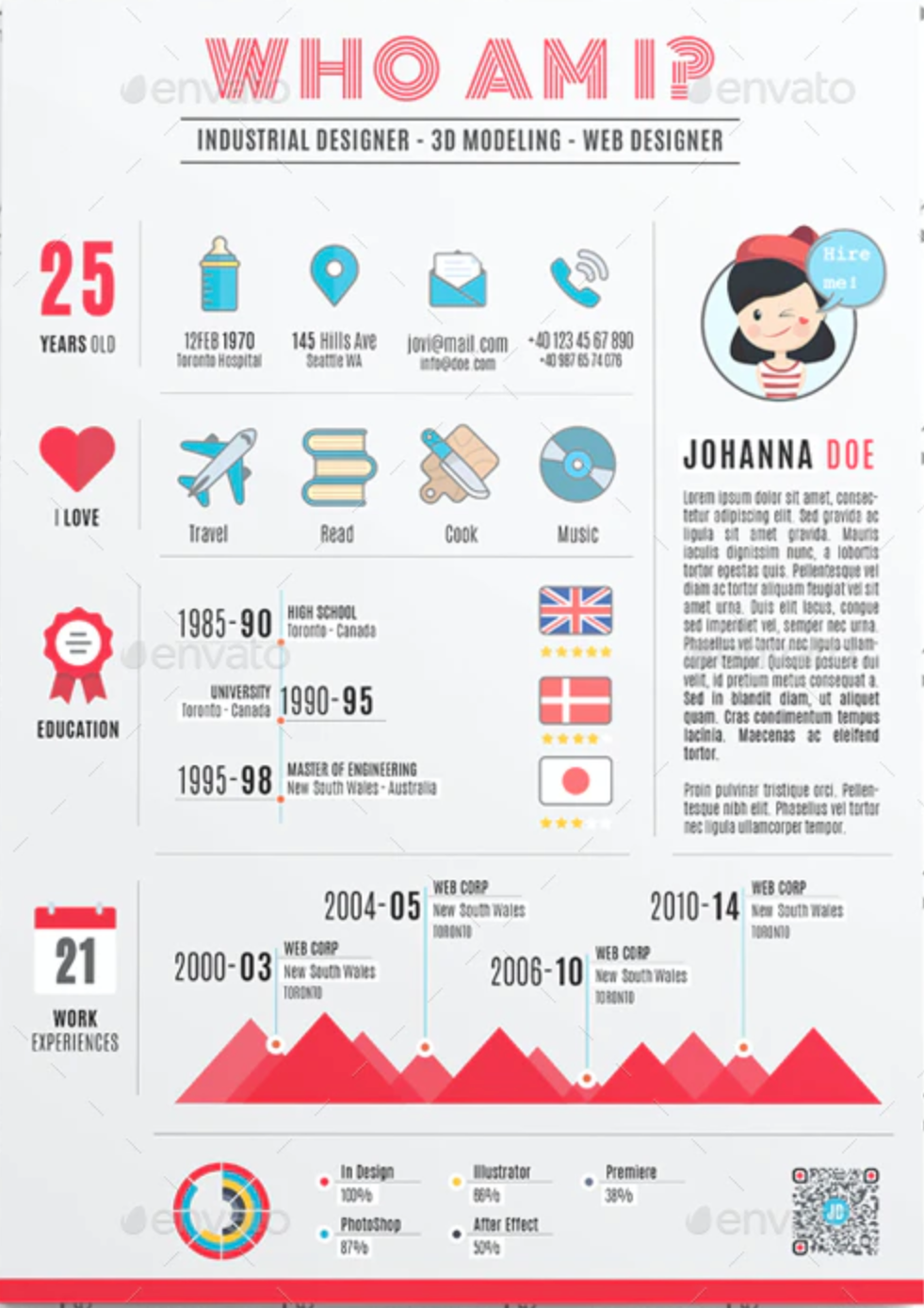
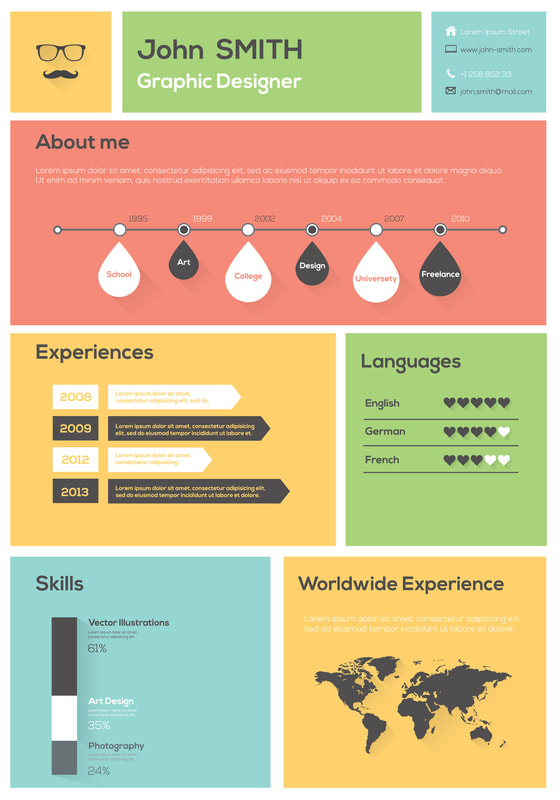
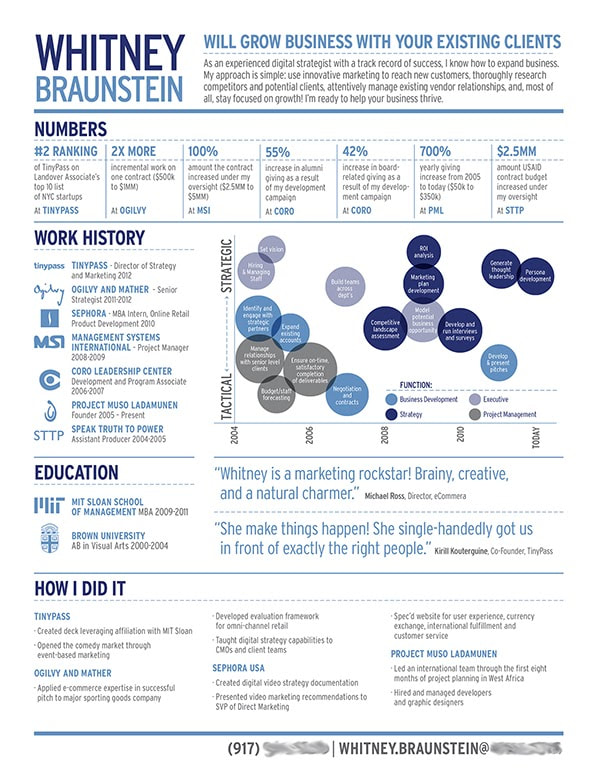
Infographic Project: Creating a Design with Text & Graphics

11/16/2020

0 Comments

 
Project:
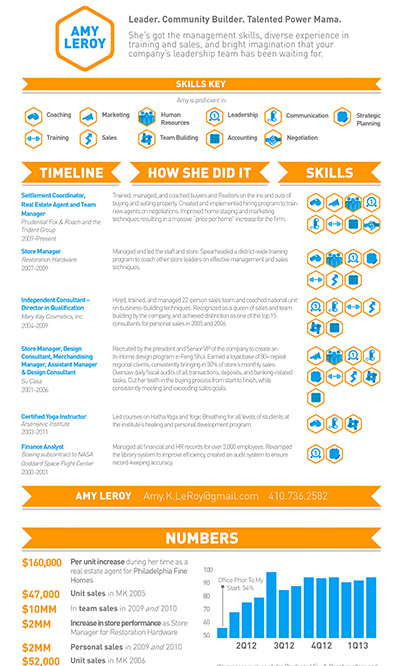
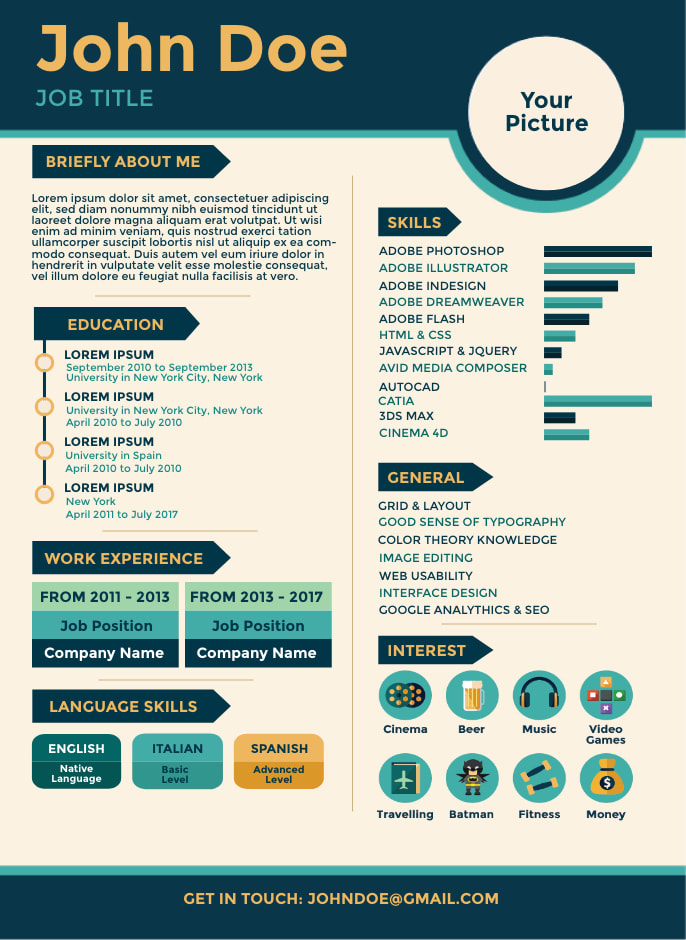
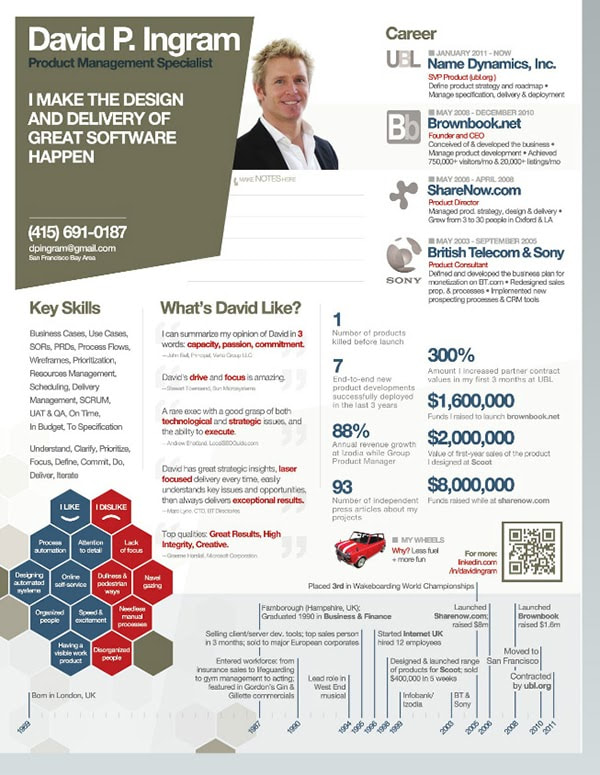
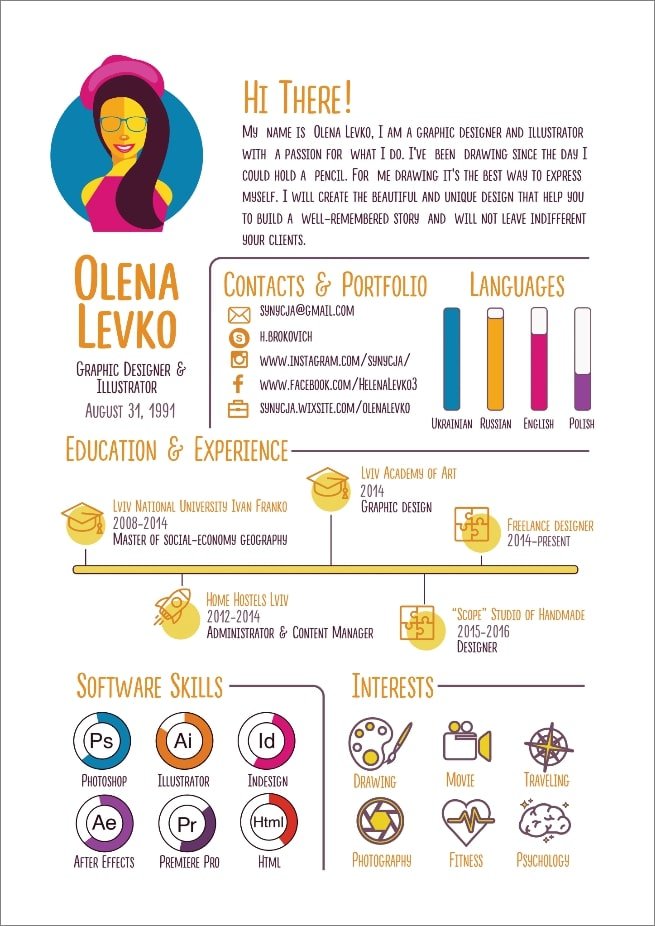
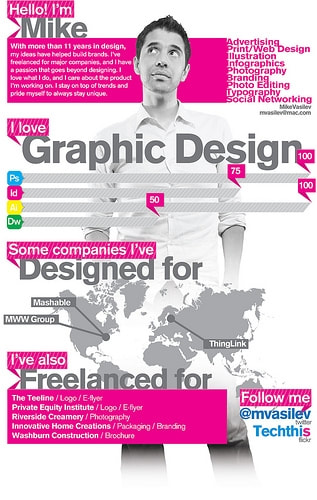
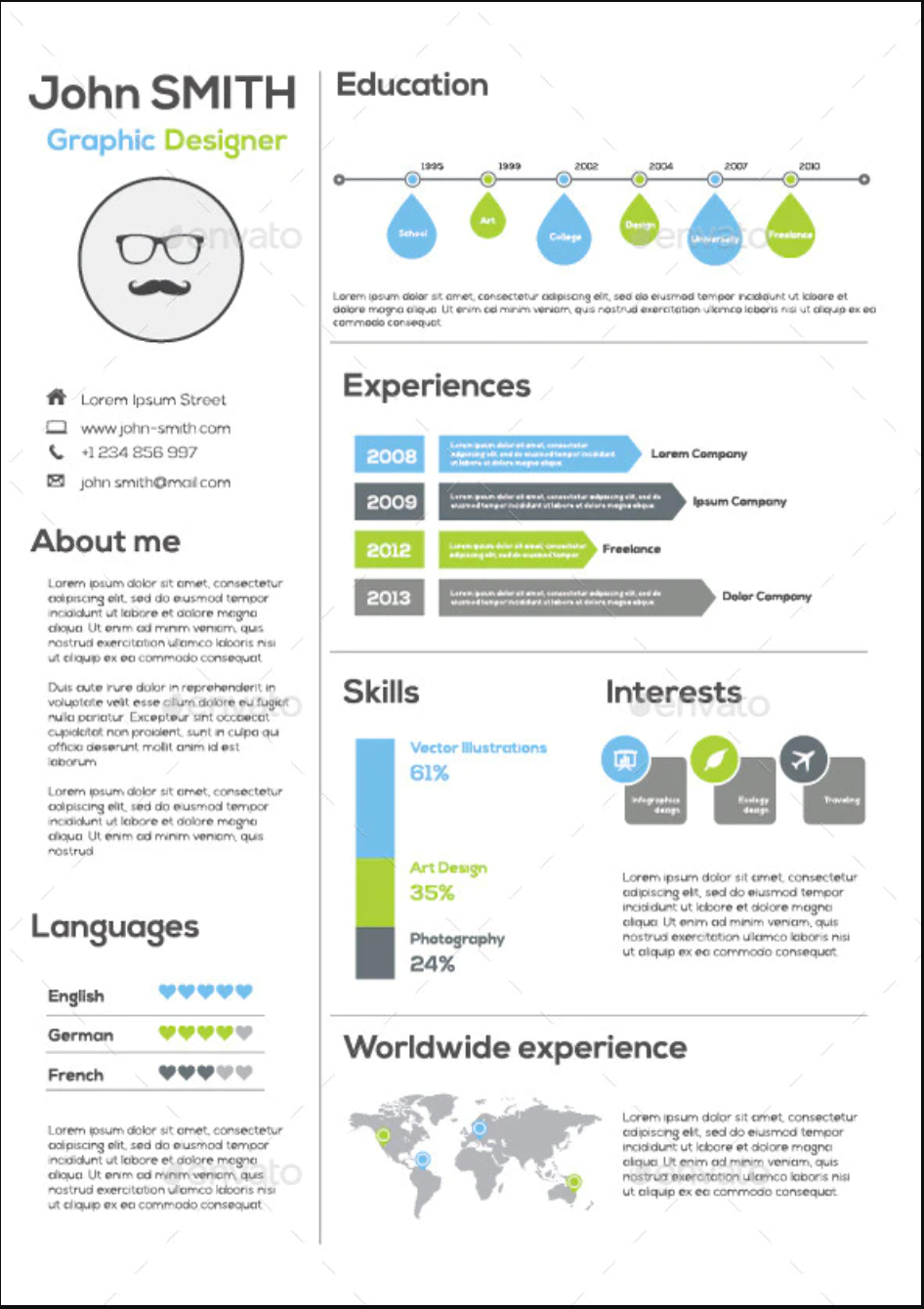
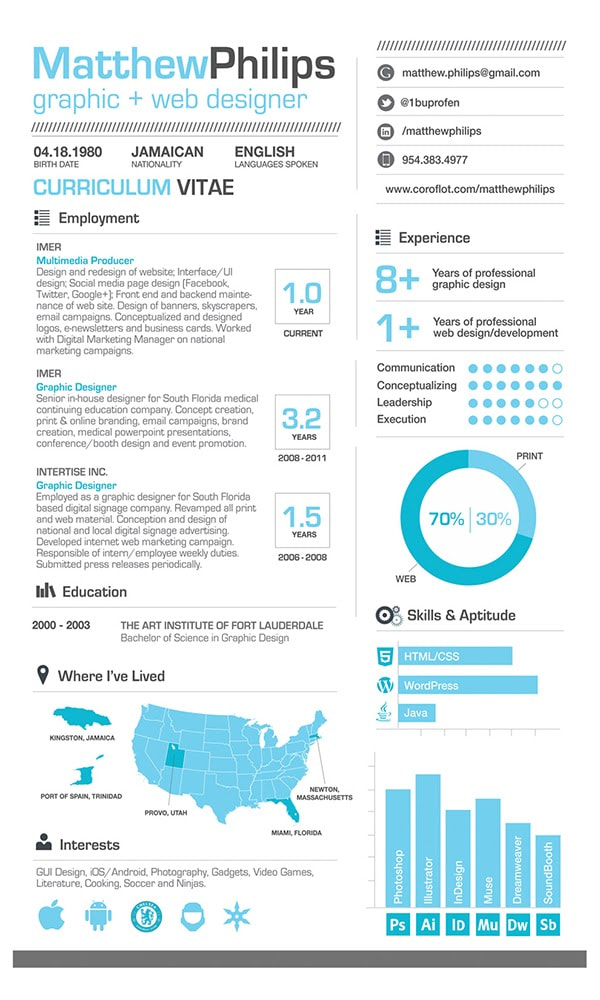
In today's world, displaying information in the form of infographics is a common practice. Students will be creating an infographic based off of their own personal
data. Using Adobe InDesign, Photoshop, Illustrator, to create a 8x14 Infographic
using your own personal data and visual representation of data. When students
create infographics, they are using information, visuals, and technology. 


Information graphics or infographics are visual representations of information,
data or knowledge. These graphics are used where complex information needs to
be explained quickly and clearly, such as in posters, editorial design, signs, maps, technical and educational. They’re also used extensively as tools by educators, marketers, journalists, scientists, and statisticians to ease the process of developing and communicating conceptual information.


An Infographic:
  • communicates a message, tells a story - in this case a personal story
  • engaging
  • highly visual
  • helps to explain data clearly and visually 

Examples Visual elements https://www.visual-literacy.org/periodic_table/periodic_table.html#


Artists to Look At: 
Paula Scher https://www.behance.net/PaulaScher
Eddie Opara https://www.pentagram.com/work
Pentagram (Design Studio)  https://www.pentagram.com/work
Massimo Vignelli http://www.designculture.it/interview/massimo-vignelli.html
Saul Bass https://www.artofthetitle.com/designer/saul-bass/
Gail Anderson https://gailycurl.com/
Sylvia Harris  https://www.aiga.org/design-journeys-sylvia-harris


Lesson (What are we learning by doing this project?):
Demonstrate the importance of research, sketching ideas, the use of appropriate visual references
Visual Hierarchy- creating laying out elements logically and strategically
Skillfully create images using tools in Photoshop and illustrator.
Skillfully use InDesign, Illustrator and Photoshop together
Combine multiple file types
​Use color, text and images to create a visual design

STEPS:
  1. Using your own personal information sketch out/create a rough layout of your infographic, use provided resources, online examples and artist for inspiration.
  2. Create your initial layout in InDesign 
  3. Create your design elements in Photoshop or Illustrator
  4. Bring Design components, images and design elements together into InDesign to make your final infographic.

    Make sure to:
  • use fonts that are legible
  • use colors that work well together (Color Theory & color wheel relationships)
  • Think about the viewer with dark text vs light text  vs background 
  • Your images should complement and enhanc your story 
  • Keep layout organized, clean and concise to convey a strong clear message ​
   Click on Visual Examples below
0 Comments

Stock Photo Sites

10/22/2020

0 Comments

 
​Free Stock Photo Sites:

https://unsplash.com/ 
Search library of images, click image, click free download button. Multiple sizes available. Download the largest file. 

https://www.pexels.com/ 

Search library of images, click image, click free download button. Multiple sizes available. Download the largest file. 

https://pixabay.com/ Search library of images, click image, click free download button. Only the 640x480 image size is available.
0 Comments
<<Previous

    Author

    Write something about yourself. No need to be fancy, just an overview.

    Archives

    April 2022
    May 2021
    April 2021
    March 2021
    February 2021
    January 2021
    November 2020
    October 2020
    September 2020
    February 2020
    September 2019

    Categories

    All

    RSS Feed

Powered by Create your own unique website with customizable templates.